
Landy, the AI meeting notetaker
Landy joins your Teams and Google Meet calls, knows who said what and writes down every action. When the call ends, the summary is already on the client, the deal and the project.
He comes to the call.
Send Landy to a meeting and he joins as a named participant, with his own camera, so it's on record without anyone pressing a button. Not on a video call? There are three more ways in.

Microsoft Teams
Joins your Teams meetings as a participant, records them and follows the call's own live captions.

Google Meet
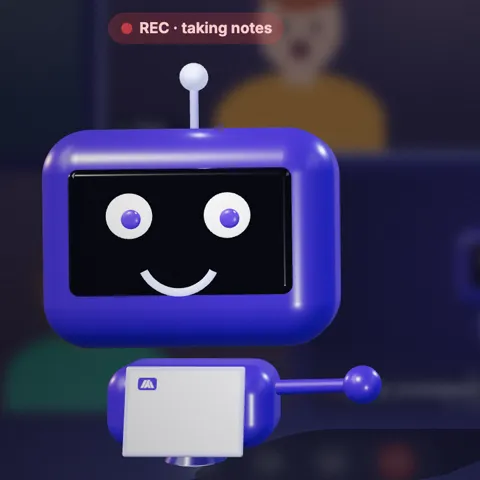
The same in Google Meet: a named guest with his own camera tile and a REC badge, so everyone can see he's there.
On your Mac
The Companion app records any call on your desktop, whatever it runs on.
In the room
Record a meeting in person from your phone or straight from the browser.
Upload a file
Already recorded it? Upload the audio and Landy does the rest.
Your summary, before you've closed the tab.
Landy records the call, writes it up and turns the next steps into work. Nobody types up notes on a Friday afternoon.
- Who said what. Speakers are named from the call itself and matched to your team and contacts by email. If he isn't sure, he leaves the line unnamed rather than guess.
- A summary and action items with owners. Who agreed to do what, and by when.
- One click to a project card. Any action item becomes a card on the right board, with its owner.
- Filed where the work is. The call sits against the right client, contact or deal, on the same timeline as everything else.
A notetaker that files itself.
A separate notetaker leaves you with notes in another app and a job to copy them across. Landy lives in the same system as your CRM, projects and timesheets, so the notes land where the work already is.
His camera is alive.
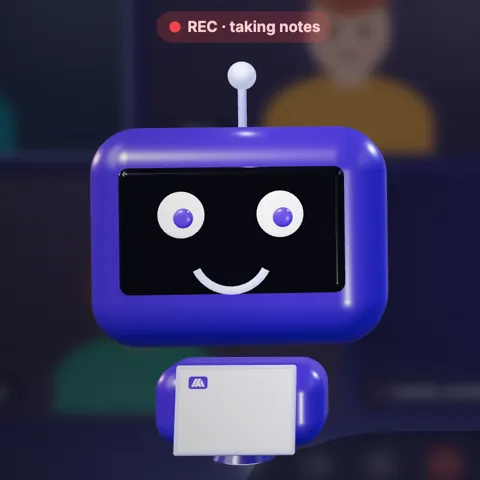
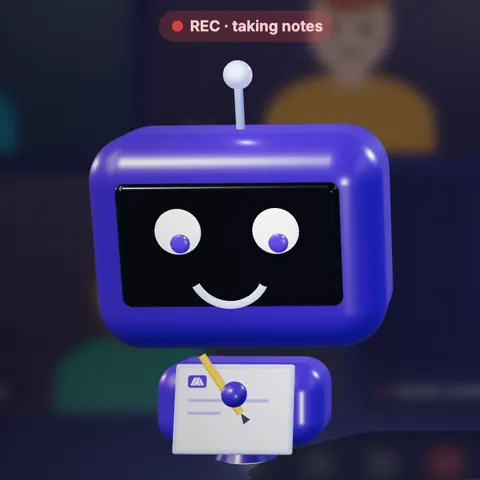
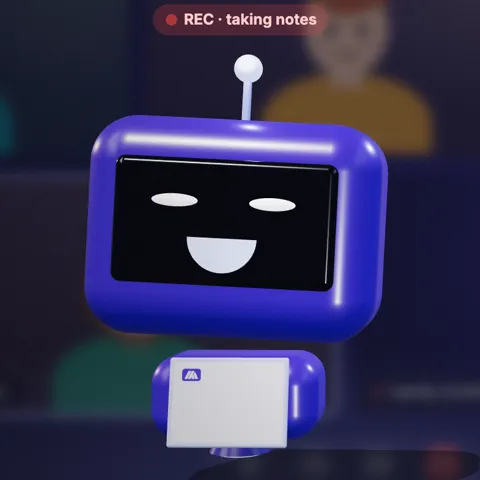
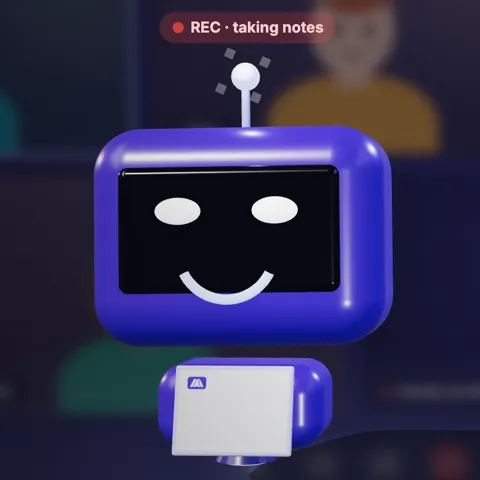
Most notetakers sit in the call as a grey box. Landy breathes, blinks and glances at whoever's talking, and he reacts to what he hears. It's a small thing that makes people smile, and it reminds everyone he's taking notes.



Never a distraction
One reaction every 20 seconds at most, and he never reacts to ordinary bad news. Lose a client and he simply keeps taking notes.
Your name, your colours
Rename him and dress his camera in your own logo and brand colours, so the participant in the call looks like part of your team.
Calm when you want it
Prefer him quiet? Switch the reactions off and he stays on screen, calmly taking notes.
“Hey Landy, what’s this week’s focus?”
Anyone in the call can ask him out loud. He thinks for a moment with a "hmm", jots it on his notepad, then answers in the meeting chat and out loud in his own voice.
- Safe questions only. Today that's the team's focus for the week, from your stand-up.
- Never changes anything. He reads, he doesn't write, and he never shares anything personal.
- Internal meetings by default. With a client on the call he politely declines, unless you choose otherwise.
The stand-up, on the office wall.
Landy reads your team's stand-up and puts each person's focus for the week on the office screen. Everyone sees what everyone's working on, and nobody had to write it up.
It's one of the slides on Landing's office displays, alongside who's in today and time logged this week.

Landy comes with Landing.
He's part of Landing, with the rest of it: CRM, projects, timesheets, marketing and more. He doesn't need a seat of his own, and nobody else on the call needs anything to be in it.
Questions people ask about Landy.
Anything else, ask us on the demo. Bring a call you'd like him in.
Which meeting apps does he work with?
Landy joins Microsoft Teams and Google Meet calls as a participant. For anything else, the Mac Companion app records the call on your desktop, you can record in person from your phone or the browser, or upload a recording you already have.
Do people know they're being recorded?
Yes. He joins visibly, as a named participant with his own camera, and his camera carries a REC badge for the whole call. Nobody is recorded by something they can't see.
Can we rename him and use our own branding?
Yes. Give him any name you like, and put your logo and brand colours on his camera. The reactions can be switched off too, if you'd rather he simply took notes.
How does he know who said what?
He names speakers from the call itself, its live captions and its audio, and matches them to your team and contacts by email. When he can't be sure, he leaves the line unnamed rather than guess, and you can name it yourself.
Where do the notes go?
Into Landing, on the same record as everything else: the client, contact or deal the call was with. Action items keep their owners and become project cards in one click. There's no second app to check.
How do you look after our recordings?
The same way we look after the rest of your data. Read how in Security, and see who we work with in Sub-processors.
Put Landy in your next call.
Thirty minutes on how your team runs meetings today, and what it looks like when the notes file themselves. Your price worked out before you hang up.